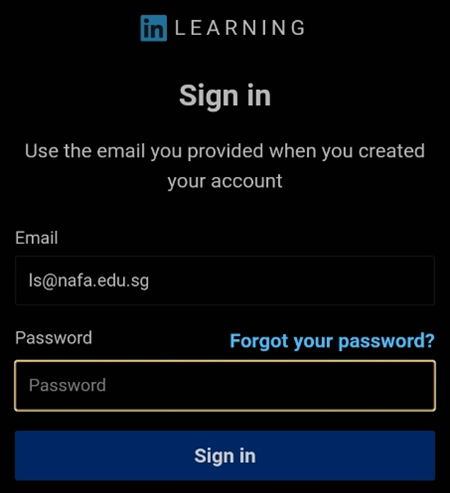
Step 1: Go to https://www.linkedin.com/learning/activate
Step 2: Enter your NAFA email address and click Verify email

Step 3: Check your NAFA email inbox for LinkedIn Learning email to activate your account
Step 4: Set your password
Step 5: Click Continue without connecting my LinkedIn account (if you choose to create a separate Learning account)

Step 1: Go to LinkedIn Learning homepage

Step 2: Click Sign in

Step 3: Enter your NAFA email address (if you did not connect your LinkedIn account) and
click Continue

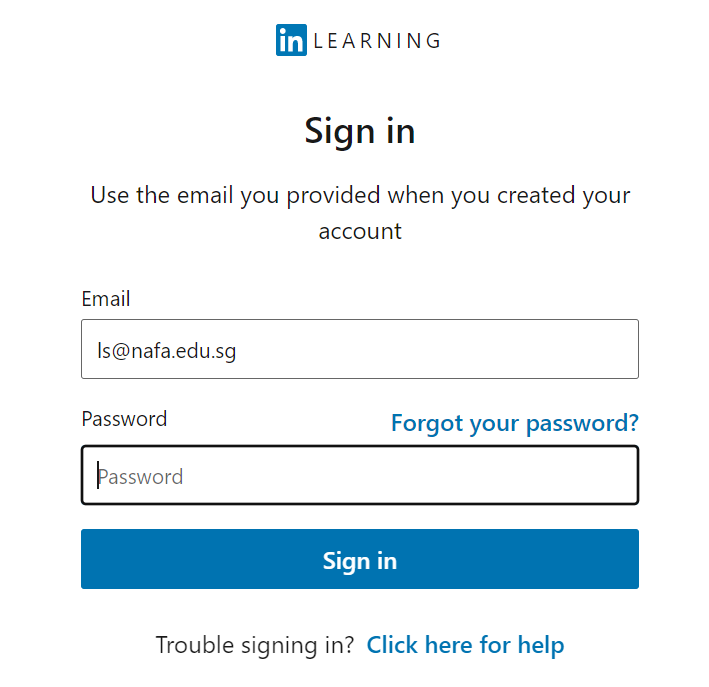
Step 4: Enter your Password, and click Sign in
Step 1: Download LinkedIn Learning App from your mobile device’s app store
Step 2: Click Sign in

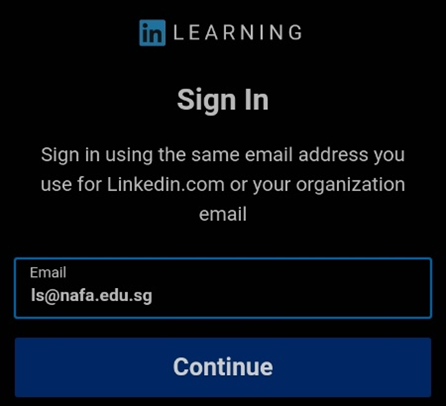
Step 3: Enter your NAFA email address (if you did not connect your LinkedIn account) and
click Continue
Step 4: Enter your password and click Sign in